Logoai

Motion concepts

Plan logo ai animation around your brand

A logo ai animation begins with more than an effect: decide what the mark should reveal, how it should move, and where the finished sequence will appear. Logoai helps you think through the visual concept before you commit to production.

Check available output options
Illustrative brand-design imagery

This entry point vs. a general logo concept

A general logo concept answers what the mark looks like. A motion concept adds an opening state, a transition, and a resting state. These situations call for different decisions.

New brand founder

You have a name but no settled symbol, so animation would only magnify unresolved design choices.

An ai logo generator with prompt helps you describe the still identity before you decide which parts should move.

ai logo generator with prompt

Video creator

Your existing mark needs a short introduction that remains recognizable on its final frame.

An ai logo generator with prompt can help you explore visual treatments to discuss with an animator, rather than supplying a finished clip.

ai logo generator with prompt

Wordmark owner

You want the brand name to appear letter by letter without sacrificing legibility.

An ai text logo generator is a useful starting point for testing the wordmark before planning its reveal.

ai text logo generator

Social media editor

A profile mark also needs to work at the end of a short video, where viewers may see it for only a moment.

An ai text logo generator helps you assess whether the final, stationary name reads clearly at small sizes.

ai text logo generator

Three motion decisions, then a starting point

An animation brief needs three things a still-logo brief does not: a starting state, a movement, and a final hold. Write those down before exploring artwork.

Choose the opening state

Decide whether the sequence begins blank, with a partial symbol, or with the complete mark. Keep the opening simple enough that viewers can follow what changes.

Describe one primary movement

Specify the action in plain language: lines draw in, shapes assemble, or a wordmark fades into view. Avoid stacking effects before the basic sequence works.

Define the final hold

Describe the complete, readable logo as the last frame. Use that brief to explore a visual concept, then confirm whether your chosen production tool can create the motion and deliver the file you need.

Limits to check before producing motion

Logoai can help frame a design brief, but a motion concept is not proof that the linked product exports an animated logo.

A storyboard is not a video file

A sequence of proposed frames cannot establish timing, easing, or a playable result.

WorkaroundBuild and preview the sequence in a dedicated animation editor.

Exact brand consistency needs review

Concept images may vary the lettering, spacing, or symbol from frame to frame.

WorkaroundStart production from your approved logo artwork and compare every key frame against it.

Export options are not guaranteed

Do not assume the linked product supplies a particular video format, transparent background, resolution, or looping control.

WorkaroundCheck the available options at the destination before choosing a delivery workflow.

Usage rights need separate checking

A motion treatment does not resolve questions about ownership, source assets, music, or commercial use.

WorkaroundReview the applicable terms and clear every asset used in the finished sequence.

From still-mark reference to motion storyboard

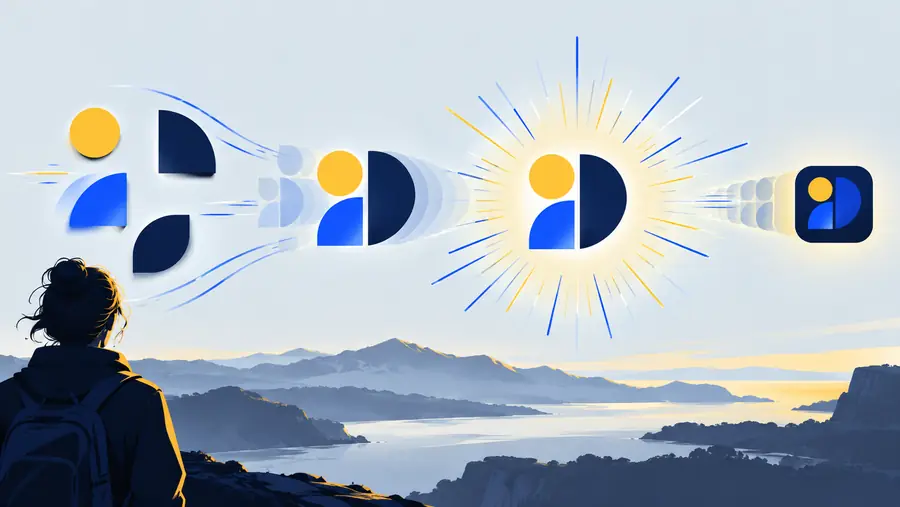
Use the pair to discuss an intended change, not as a claim that an animated file was generated.

Still reference

Illustrative brand artwork used as a still-mark reference
Illustrative artwork representing a logo motion concept
Motion concept

These are illustrative images, not consecutive frames or a playable before-and-after result.

Adapt the brief to where it appears

The same mark may need different pacing and a different final hold depending on its destination.

Make the reveal easy to follow

A video opening can establish the symbol before showing the name. Keep the final mark visible long enough to recognize, and judge the sequence alongside the footage it will introduce.

  • Start with a clear opening state
  • Reveal the symbol before adding secondary detail
  • End on the approved still logo

Prioritize the resting frame

A small, rapidly viewed post needs a readable endpoint. Test the wordmark at the size viewers will actually see, rather than relying on a large preview.

  • Use one main movement
  • Check readability on a phone
  • Consider how the sequence loops

Keep movement subordinate to the message

A presentation can use a restrained reveal before the talk begins, but repeated motion may distract from the content. Prepare a still version for slides where animation adds nothing.

  • Match the presentation background
  • Avoid covering important text
  • Keep a static fallback

Move from an idea to a visual brief

Explore your logo concept

Bring a description of your mark, its opening state, one movement, and its final frame. Explore the visual direction, then verify the destination’s capabilities before planning a finished animation.

  • Describe the mark before the effect
  • Keep the final frame recognizable
  • Confirm production and export options separately

Logo animation FAQ

It is the use of AI-assisted visual exploration or production in developing a moving logo. The term can refer to a motion concept, a storyboard, or a finished animated file; those are different deliverables.

A still logo can serve as the reference for an animation brief. To produce a playable result, you also need to define its movement and use a tool capable of creating and exporting the required motion.

Name the existing mark, describe the opening state, specify one main movement, and explain how the sequence ends. Include where it will appear so that readability and pacing can be judged in context.

Not necessarily. An image or storyboard can show intended frames without containing motion; check the linked product’s current capabilities and output options before expecting a video file.

The final frame should normally preserve the approved mark so viewers recognize the brand. Compare the lettering, proportions, colors, and spacing against the source artwork before using the sequence publicly.

Make a logo
Make a logo