Logoai

Logo creation guide

A practical way to learn how to have ai make a logo for you

If you are wondering how to have ai make a logo for you, begin with a short design brief rather than a vague request for something modern. Logoai walks you through describing a concept, judging the results, and refining a candidate before it represents your brand.

Review outputs before use
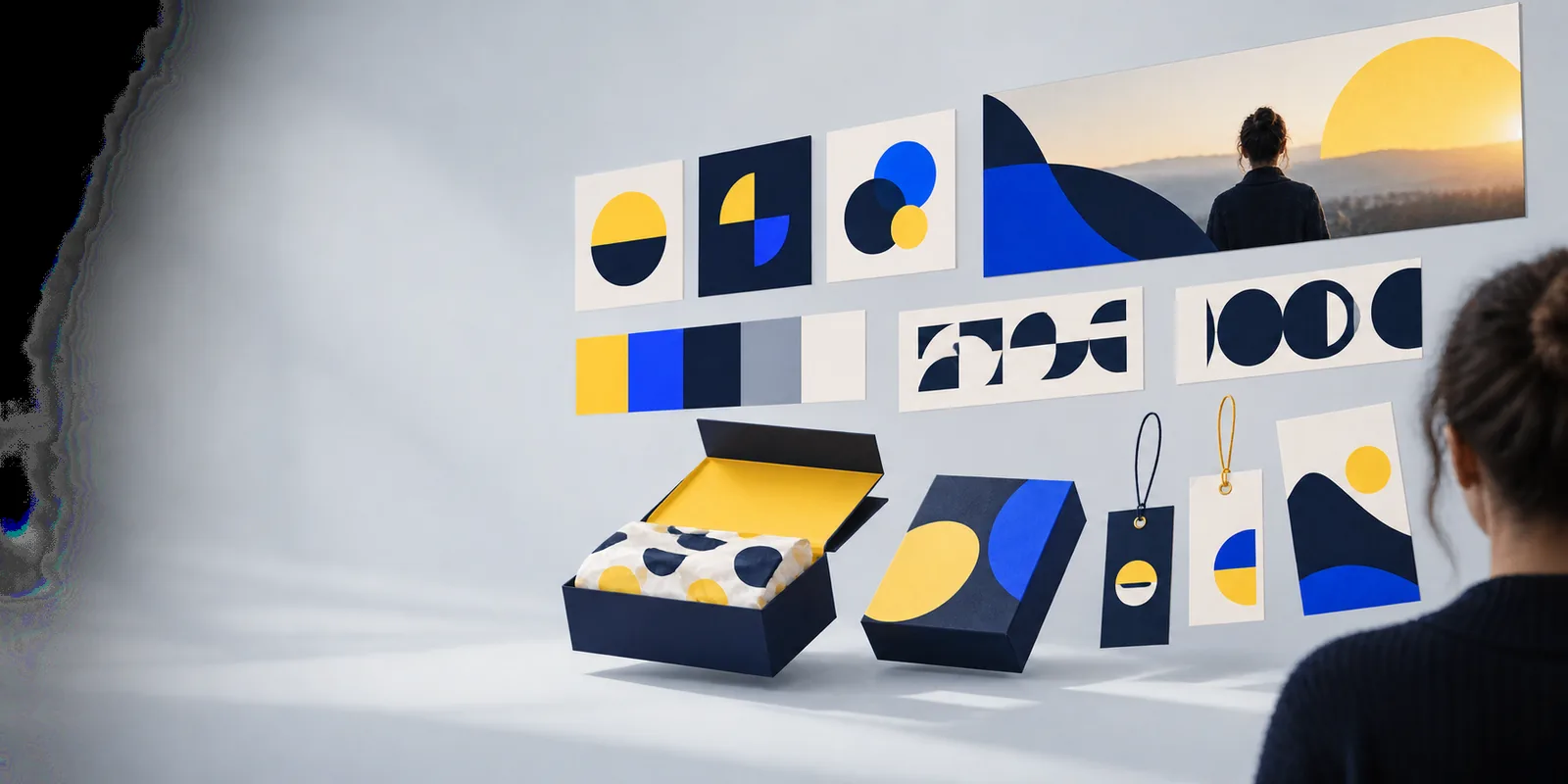
Logo concepts displayed as examples of visual directions

numbered steps

Treat the first output as a draft, not a finished identity. Each pass should answer a different question.

Write a constrained brief

State the exact brand name, what the business does, who should recognize it, and where the logo will appear. Add one visual direction, such as a simple leaf silhouette, and a restrained palette. Specify a clean background so you can judge the mark itself. Avoid piling on unrelated motifs: a bakery logo does not need wheat, a rolling pin, a sunrise, and a mascot at once. Keep a copy of your brief so later revisions can change one instruction at a time.

Generate and compare concepts

Request several distinct directions rather than minor variations of the same image. Compare a wordmark, a symbol with a wordmark, and a symbol-led option if the tool allows those requests. View each candidate at its normal viewing size, then shrink it to the size of a social avatar or website header. Set aside options whose lettering is wrong, whose shapes merge when small, or whose meaning depends on tiny decorative details.

Revise the strongest candidate

Choose one concept and name the specific change you want: simplify the icon, increase contrast, remove a shadow, or leave more space around the wordmark. Do not ask for a completely new style unless the original direction missed the brief. Check the brand-name spelling again after each revision. A visually attractive result with invented letters or an unreadable name is not ready to use.

Verify before publishing

Inspect the mark on light and dark backgrounds and in one color. Compare it with logos in your field, and search for close visual matches before treating it as distinctive. Confirm that the output and any intended commercial use comply with the tool’s current terms. For a consequential launch, ask a qualified designer or trademark professional to review issues you cannot resolve by visual inspection alone.
Input checklist

Collect these details before you write the prompt. Optional choices can stay flexible while you explore, but the required inputs should not be left for the model to invent.

Required

The exact brand name, including capitalization and punctuation.

Copy it into the brief and check every generated version against it.

Required

A plain-language description of the business and its audience.

A neighborhood café and a laboratory supplier need different visual cues.

Required

The main places the logo must work, such as a website header, sign, or avatar.

These uses determine how small and simple the design needs to be.

Optional

One preferred symbol or visual idea, plus anything to avoid.

A short exclusion such as no crowns can prevent irrelevant concepts.

Optional

A starting palette and a contrasting background for testing.

Color can change later; the shape should still make sense in one color.

Optional

A way to record candidates and the reason each was kept or rejected.

Brief notes make the next prompt more precise than starting over.

common errors and fixes

A prompt can communicate intent, but it cannot guarantee accurate text, originality, or a usable final design. Diagnose the visible problem before generating again.

The name is misspelled

Image generation can render letters as visual shapes rather than reliable editable text. A prompt containing the correct name is not proof that every output will reproduce it.

WorkaroundReject incorrect lettering. Try a simpler wordmark request, or recreate the selected lettering accurately in a design editor.

The mark disappears at small sizes

Fine strokes, gradients, and multiple tiny symbols can look impressive in a large preview but turn into a blur in an avatar or header.

WorkaroundAsk for fewer details and stronger contrast, then test the result at its actual intended display size.

The concept resembles another brand

A generated image is not a uniqueness certificate, and visual resemblance can matter even when the prompt was original.

WorkaroundSearch relevant competitors and image results. Change the underlying concept, not just its color, if the similarity is substantial.

The output is not ready for every use

A preview does not establish that you have an editable vector, suitable resolution, or permission for each intended use.

WorkaroundCheck the available file and usage terms before publishing; arrange a proper redraw or export if your application requires one.

advanced tips

The workflow reflects a longer shift from generated imagery toward directed, reviewable design. Use that history as a reminder to keep human checks in the process.

  1. Generative adversarial networks enter the research conversation

    The original GAN paper introduced a way to train systems to generate plausible images. It did not provide a dependable logo-making workflow, but it helped establish modern image synthesis as a research area.

  2. Text-image matching becomes more visible

    OpenAI introduced CLIP, which linked written descriptions with visual concepts. For a logo brief, the practical lesson is to describe the desired subject and style clearly rather than rely on a single mood word.

  3. Text-to-image tools reach broader audiences

    Public releases of diffusion-based image tools made prompt-driven visual exploration more accessible. More possible concepts also meant more work comparing results for clarity, consistency, and unintended resemblance.

  4. Generative features move into design workflows

    Adobe introduced Firefly as generative features became part of familiar creative tools. That shift made it easier to combine generated starting points with manual editing instead of treating a first image as a finished asset.

  5. Review is still the final step

    A strong process separates concept generation from approval. Save the brief, compare genuinely different directions, verify the exact text, test the mark at its intended sizes, and check usage terms and possible conflicts.

Try your revised brief

Turn a clear brief into a visual starting point

Write the brand name exactly, name the audience, choose one visual idea, and describe where the logo needs to work. Explore concepts through the linked tool, then use the checklist above to decide what deserves refinement. Logoai’s guide is a starting framework, not a promise that any generated image is immediately publishable.

  • Keep the original brief for each revision.
  • Check spelling, size, contrast, and similarity.
  • Confirm file suitability and usage terms before publishing.

tutorial FAQ

Write a brief with your exact brand name, audience, intended uses, and one visual direction. Generate several concepts, compare them at realistic sizes, revise the strongest candidate, and check spelling and possible similarities before using it.

Include the brand name, what the organization does, the audience, a preferred symbol or style, and where the logo will appear. A short constraint such as simple enough for a small avatar is often more useful than a long list of decorative requests.

Compare a few genuinely different directions rather than repeatedly generating near-identical versions. Look for a mark that stays recognizable when small, suits the audience, and can be refined without losing its main idea.

Some image-generation systems treat text as part of the picture and produce altered or invented letters. Check every character against your original brand name, and use a design editor to set accurate lettering if the visual output cannot do so reliably.

Treat it as a candidate, not an automatic final asset. Check its legibility, file suitability, tool terms, and resemblance to existing marks; seek professional advice when commercial or trademark consequences matter.

Make a logo
Make a logo