Read the name
Check every letter against your intended business name. If the lettering is wrong, do not spend time adjusting its colors.
Beginner guide
Start with a short brief, inspect the first AI logo draft, then fix the most visible problem before trying another variation. You do not need design vocabulary to make useful decisions.
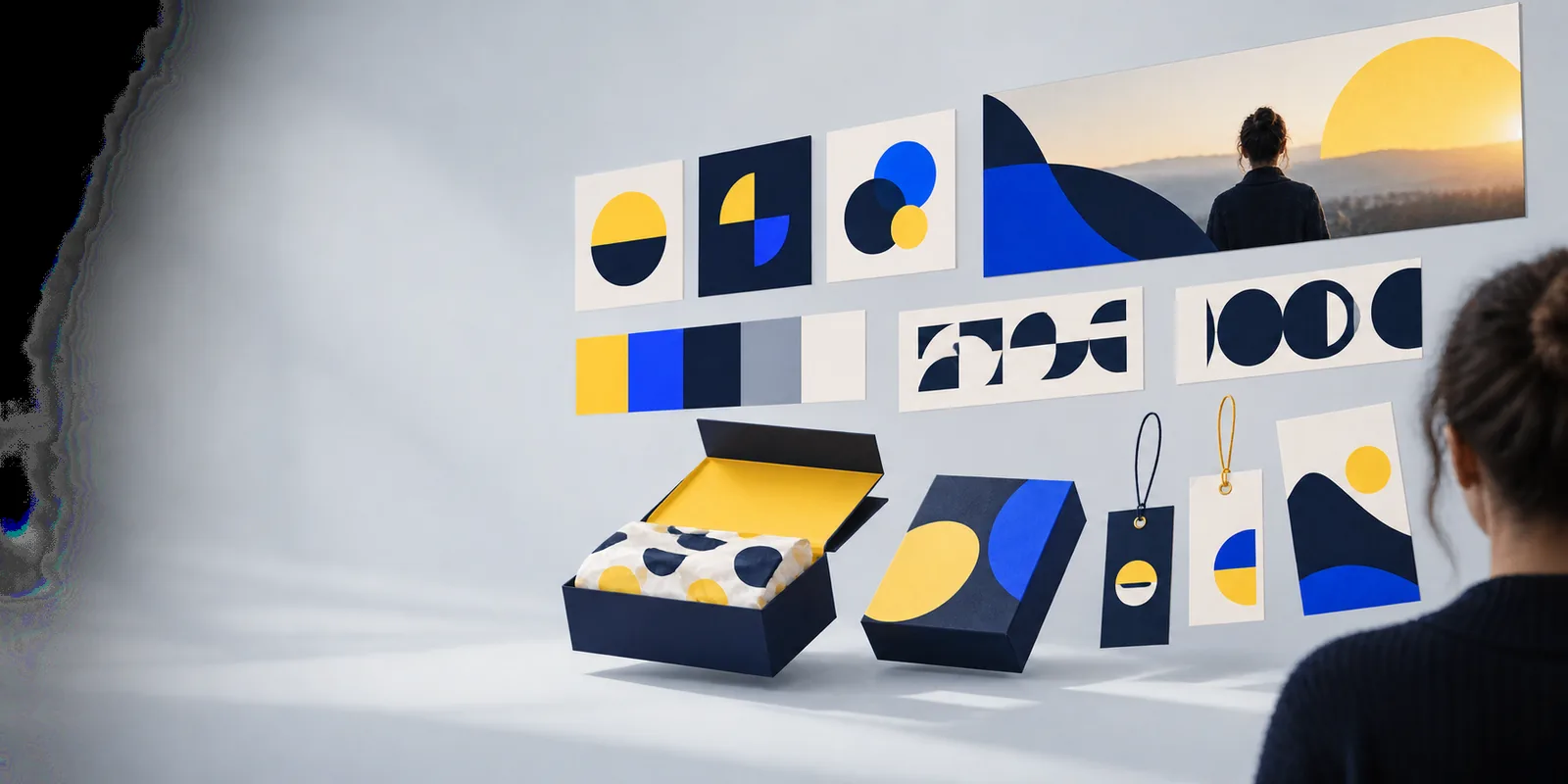
A promising AI logo can still fail when the name is wrong, the symbol is crowded, or the design disappears at small sizes.
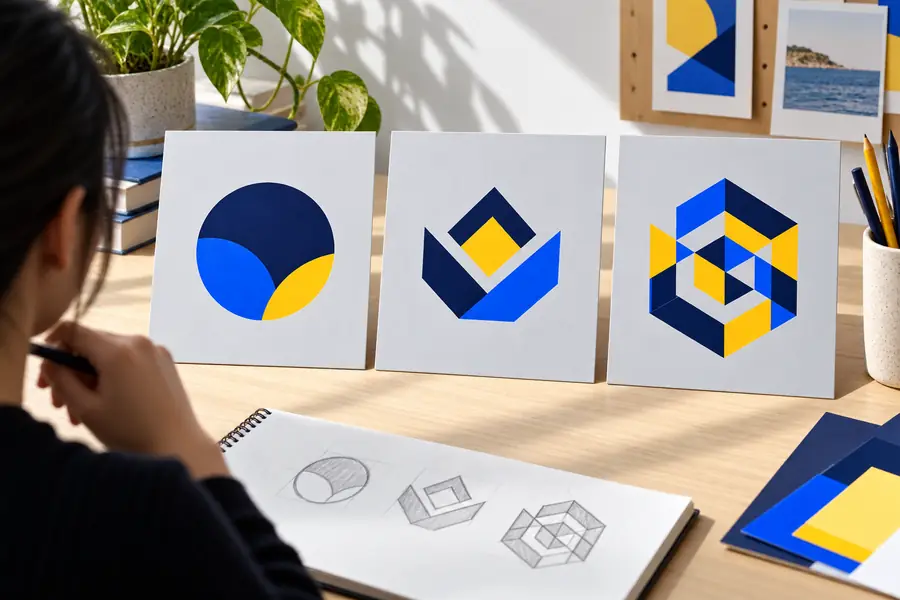
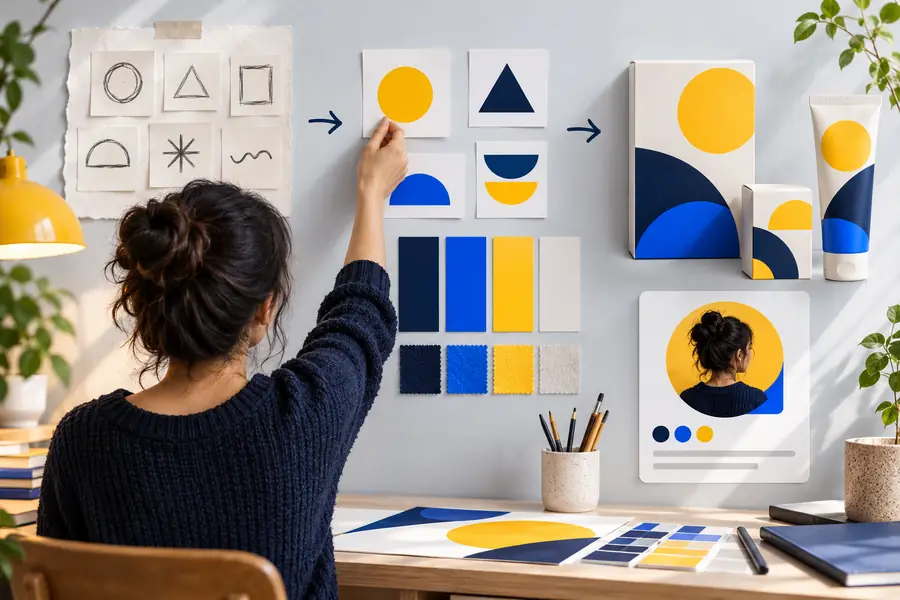
Use the divider to practice judging shape and detail, not to assume these examples are two versions of the same brand.
Illustrative comparison only: these images are not a documented before-and-after edit.
Treat the first result as a draft. A short review tells you whether to change the brief, simplify the image, or handle lettering separately.
Check every letter against your intended business name. If the lettering is wrong, do not spend time adjusting its colors.
Imagine the symbol as a small profile image. If its parts merge, ask for fewer shapes and stronger contrast.
Ask whether someone unfamiliar with your business could recognize the intended mood without a long explanation.
Work down this ordered checklist. The required items establish a usable brief; the optional items help you judge whether a draft is distinctive.
Keep a copy outside the prompt so you can check generated lettering character by character.
For example, a neighborhood bakery might aim for warm and familiar rather than technical.
Combining a leaf, loaf, sun, wheat field, and storefront often makes a small AI logo harder to read.
A restrained palette makes it easier to evaluate the underlying shape.
This gives you a reference for reviewing similarity; a prompt alone cannot establish originality.
If your main question is about starting a generation or writing the brief, these related guides take a different route.
Pick the panel that matches the strongest flaw in your draft. Change one part of the brief at a time so you can tell what helped.
Compare the draft with your written business name. Request the exact spelling in a new attempt, but inspect the result rather than trusting the instruction. If accurate lettering remains difficult, treat the generated image as a symbol concept and add verified text in a separate design step.
Identify the one shape the AI logo must retain. Rewrite the request around that shape, a limited palette, and an uncluttered background. Compare the next draft at thumbnail size; if it still looks busy, remove another decorative element rather than introducing a new one.
Replace broad words such as modern with something rooted in the business: a material, place, product, or recognizable gesture. Keep the cue simple enough to survive in a small mark. Compare the result with nearby competitors before deciding it feels distinctive.
A cleaner draft is not automatically a finished business identity. These checks need attention beyond generating an image.
Generated text may contain misspellings or unusual letterforms even when the prompt includes the correct name.
WorkaroundVerify the name manually and consider adding final typography separately.
An appealing AI logo may resemble an existing mark; visual inspection alone is not a legal clearance search.
WorkaroundResearch relevant competitors and seek qualified advice when trademark risk matters.
Usage terms and available files depend on the specific tool and workflow used.
WorkaroundRead the applicable terms and inspect the actual deliverables before using a mark commercially.
Save the decisions that worked. A repeatable review process helps beginners avoid generating many drafts without learning from any of them.
Store the exact name, audience, desired impression, main symbol, color direction, and exclusions in one place. When an AI logo wanders away from the concept, revise one line instead of rewriting everything from memory. This also makes it easier to compare attempts fairly.
Look at the draft against light and dark backgrounds, then reduce it to roughly the size you might use in a profile picture. Notice whether the silhouette survives and whether small details collapse. If it only works as a large illustration, simplify it before considering finishing touches.
Before using a chosen design, inspect every letter, compare it with relevant existing logos, and confirm the terms of the tool you used. Save the brief alongside the chosen draft so future variations stay related. For more on the broader workflow, see how to use ai for a logo.
Start with a name, one symbol, and a clear visual direction. Review the result for spelling and small-size clarity, then refine the most important flaw rather than changing everything at once.
Include the exact business name, what the business does, its audience, one symbol idea, and a simple color direction. Add a constraint such as a clear silhouette at small size. Treat the result as a draft to inspect, not a guaranteed final design.
A broad brief gives the image generator little to distinguish your business from others. Add one relevant detail, such as a particular product or local cue, and remove competing symbols. Compare new drafts with logos in your field before choosing one.
Check the spelling against your original brief and try a clearer request. If lettering remains unreliable, use the generated image as a symbol concept and add accurate text separately. Never assume a convincing-looking word is spelled correctly.
Check that the name is correct and the symbol remains clear at small size and in simple color treatments. Look for confusing similarities to relevant existing marks, and review the terms of the tool used to create it. For consequential business use, seek appropriate professional advice.