Logoai

Design comparison

Logo AI vs Logo Maker: Find Your Starting Point

The logo ai vs logo maker choice comes down to what you need first: unexpected visual directions or precise control over a familiar layout. Neither approach replaces checking legibility, originality, and the terms attached to your finished design.

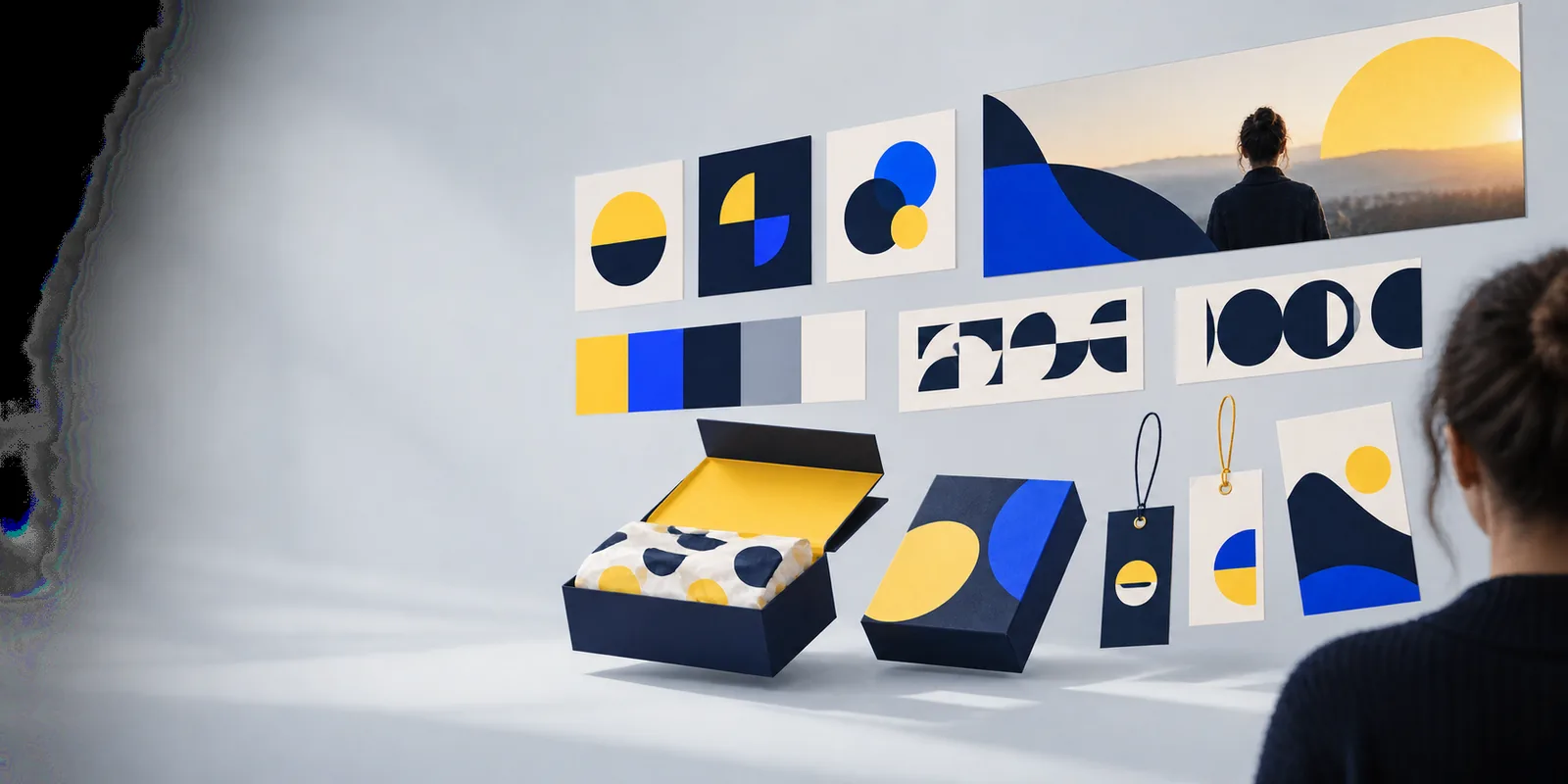
Logoai landing visual

Verdict first

These are workflows, not quality guarantees. The better choice is the one that leaves you with a mark you can inspect, refine, and use under the applicable terms.

AI-led logo exploration

Choose this when you know the brand mood but have not settled on a symbol or composition.

Pros

  • A written brief can suggest directions you might not think to search for in a template library.
  • You can compare different visual interpretations of the same brand concept before committing to one.
  • It can help turn descriptive words, such as calm or energetic, into a concrete starting image.

Cons

  • Generated lettering can be inaccurate or hard to edit; check every character before use.
  • A promising image may still need manual work to function as a small, reproducible logo.
  • Do not assume a generated result is unique or cleared for commercial use.

Template-based logo maker

Choose this when you already know the words, approximate icon, and layout you want.

Pros

  • Editable text and layout controls can make small, deliberate revisions straightforward.
  • A visible starting template helps you judge composition before changing colors or type.
  • It can be easier to keep a brand name spelled correctly throughout the design process.

Cons

  • A familiar template may feel generic unless you substantially refine it.
  • Available layouts and icons can constrain an unusual concept.
  • You still need to check whether an icon or template can be used as you intend.

Dimension by dimension

Compare the work you will actually do, not just the first image on screen. Features vary between products, so verify the controls and permitted uses of any specific tool.

AI-led approach Template-based logo maker
1

Initial input

AI-led approach

Describe a concept, audience, or visual mood; the tool interprets the brief.

Template-based logo maker

Select a starting layout or symbol, then enter the brand name and adjust it.

2

Creative exploration

AI-led approach

Useful when several visual interpretations of the same brief would help you decide.

Template-based logo maker

Useful when you prefer to browse recognizable arrangements and refine one.

3

Text accuracy

AI-led approach

Inspect generated lettering closely; some image-led results may distort letters.

Template-based logo maker

Typed text is generally easier to verify and revise as a separate element.

4

Fine adjustments

AI-led approach

Revising one detail may require another generation or a separate editor.

Template-based logo maker

Direct controls may let you move, resize, or replace individual elements.

5

Distinctiveness

AI-led approach

An unusual concept is possible, but the result still needs similarity checks.

Template-based logo maker

A common template can be recognizable; meaningful customization matters.

6

Small-size performance

AI-led approach

Complex imagery may need simplification before it works as a profile icon.

Template-based logo maker

Simple layouts can be easier to inspect at small sizes, though detail can still fail.

7

File handoff

AI-led approach

Check the available downloads and whether further editing is practical.

Template-based logo maker

Check the available downloads and whether editable elements remain accessible.

8

Usage rights

AI-led approach

Read the tool's output terms and assess possible similarity to existing marks.

Template-based logo maker

Read the tool's terms for templates, icons, fonts, and commercial use.

Who each suits

Your brief is the deciding factor. Decide whether your next useful step is discovering a direction or controlling the details of one you already have.

1

You can describe the feeling and audience, but not the symbol.

Start with AI-led exploration.

Compare concepts before polishing one. Keep the brand name outside any generated artwork until you have checked its spelling and readability; a strong concept is not yet a finished identity.

2

You have a specific icon, name, and arrangement in mind.

Start with a template-based logo maker.

Direct adjustments may get you closer to a defined layout without repeatedly interpreting a written brief. Change enough of the starting design to suit your brand rather than accepting the first template unchanged.

3

You need both fresh concepts and exact typography.

Use the approaches in sequence.

Explore possible symbols or compositions first, then rebuild the chosen direction with editable text and deliberate spacing. Check that the resulting design is legible in one color and at a small size.

Migration path

If exploration gives you a direction but not an editable mark, write down what works: shape, contrast, and mood. Recreate those decisions with accurate type, then test the result at small sizes. These related guides cover the next checks.

Take your next design step

Explore a direction worth refining

Start with a clear description of your audience, brand mood, and preferred visual style. Treat any promising result as a draft: verify its lettering, simplify unnecessary detail, and review the applicable usage terms before making it your business mark.

  • Write down the visual direction you want to test.
  • Compare options at both large and small sizes.
  • Keep your final wording accurate and readable.

Comparison FAQ

Not automatically. AI-led exploration can help when you need ideas, while a template-based logo maker may be more practical when you have a defined layout and need to adjust its parts. In either case, review the result for readability, similarity to existing marks, and permitted use.

The starting point is usually different: one interprets a brief, while the other gives you an existing layout to modify. Product features overlap, so a particular tool may combine generation with direct editing. Judge the actual controls rather than relying on its category name.

Sometimes, but an image may not separate into editable text, shapes, and icons when moved to another tool. You may need to rebuild the design using the generated image as a reference. Check the usage terms of the source image and of any replacement fonts or icons.

A template-based maker with a text field generally makes spelling, font choice, and placement easier to control. If a generated image contains lettering, inspect it closely rather than assuming it is accurate. Rebuilding the name as editable text can resolve that problem.

No. Generated concepts can resemble existing designs, and templates or stock icons may appear in other brands' work. Search for similar marks, read the relevant terms, and seek professional advice when legal clearance is important.

Make a logo
Make a logo