Required
Your business or project name, spelled exactly as it should appear
Check every letter in any generated wordmark.
Design your brief
Free logo ai is a useful way to explore a visual direction, but a promising preview is not necessarily a usable business logo. Start with a specific brief, then check what the destination lets you save and use.
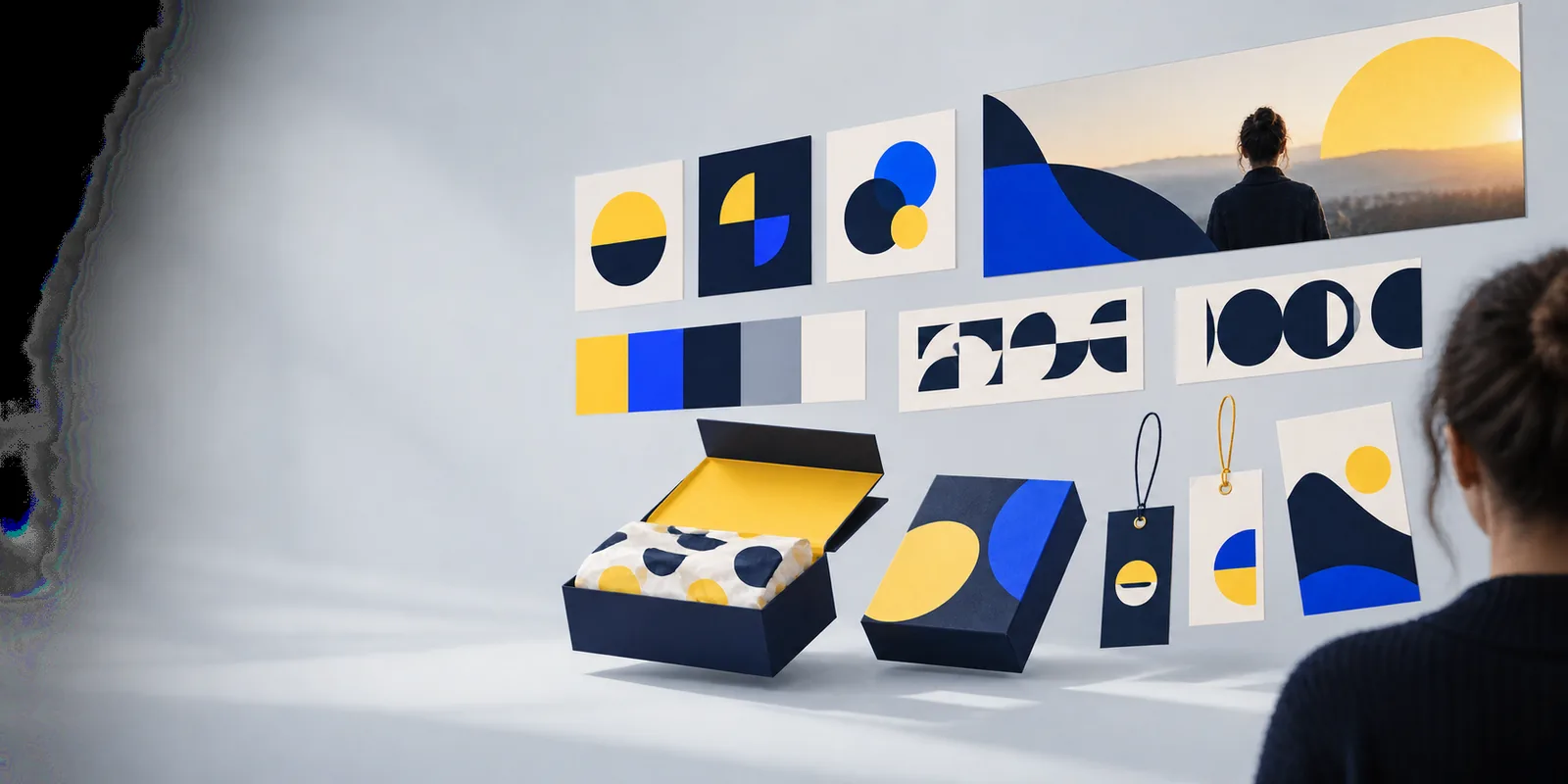
If access is only one part of your decision, these guides address the next question before you commit to a design.
Compare candidates by export access, editing options, and the terms that apply to a finished logo.
Focus on what to check when starting a logo project in a browser.
Build a more precise brief when your first visual results feel generic.
You do not need a finished brand system to begin. A few decisions make each result easier to judge.
Check every letter in any generated wordmark.
Specific context helps you reject imagery that sends the wrong message.
This gives you a practical size and readability test.
Useful direction, but leave room to explore alternatives.
Negative constraints can be as helpful as a style request.
Use the same brief from the first idea through the final decision. These are your actions and the checks to make at each point, not promises about a particular tool.
Your action
Enter the exact name, audience, preferred mood, and one real-world use.
Your check
Confirm the result reflects the business rather than just the requested color.
Your action
Look at several directions before choosing a favorite.
Your check
Reject illegible lettering, familiar stock-like symbols, and awkward spacing.
Your action
Narrow the brief to the strongest direction and change one feature at a time.
Your check
Compare the revised version with the original at the same size.
Your action
View the mark at roughly the size of a mobile header.
Your check
Make sure the name and defining shape remain recognizable.
Your action
Inspect the available download or handoff options before relying on the design.
Your check
Verify the actual file you need is available under terms you accept.
Your action
Read the destination's current usage terms and search for similar marks.
Your check
Do not assume a generated preview grants exclusive rights or clears a trademark.
Explore first. Verify before you use.
Treat a generated logo as a candidate, not a finished brand asset. A preview can help you choose between a wordmark, an icon-led mark, and a combined lockup; each option still needs a readability check in its intended setting.
The meaningful access question is what you can take away from the destination and under which terms. Check its current controls and policies directly rather than assuming that a free logo ai search result includes a downloadable, editable, or commercially cleared file.
The route into a design tool cannot settle these questions for you. Check them before putting a mark on a product, sign, or public profile.
Seeing a design does not establish which download formats, if any, are available to you.
WorkaroundInspect the destination's export options before treating a preview as your final logo.
Small lettering errors and uneven spacing are easy to miss in a polished mockup.
WorkaroundCompare every letter with your brief and test the wordmark on a plain background.
A generated symbol is not proof of originality, exclusivity, or trademark availability.
WorkaroundSearch relevant competitors and trademark databases; seek qualified advice for consequential use.
This page cannot guarantee the destination's current account requirements, download access, or commercial-use permissions.
WorkaroundRead the terms shown at the destination when you use it, and keep a record of what applies.
Bring a precise name, audience, and use case to Logoai's design starting point. Review the destination's access and usage terms, then judge any result at the size where your audience will actually see it.
Not necessarily. Exploring a design and obtaining a usable file can be different stages. Check the destination's current download options and terms before choosing a result.
Start with the exact business name, what it does, who it serves, and where the logo will appear. Add a preferred visual direction and anything you want to avoid, such as a common symbol in your industry.
That depends on the terms attached to the tool and the particular design. You should also check for similar existing marks; permission to use a file is not the same as exclusive rights to a logo.
Check spelling, contrast, and legibility on a plain background and at a small size. Then ask whether the mark fits your business without relying on a mockup to make it look convincing.