1
Business name
Broad request
A name with no spelling guidance
Focused brief
Exact name and capitalization
Logo planning
Searching for free logo ai online? Start by describing the business, its audience, and the feeling the mark should convey. Logoai can help you frame that idea before you follow the tool link, but check the tool’s current access and output terms before relying on a result.

A name, a visual direction, and a use case give a logo AI workflow something more useful to work from than a request for a nice logo.
Broad request
A name with no spelling guidance
Focused brief
Exact name and capitalization
Broad request
Everyone
Focused brief
The people the business needs to reach
Broad request
Modern and professional
Focused brief
Two or three concrete traits, such as geometric and understated
Broad request
Any icon that fits
Focused brief
One relevant motif, with room to omit it
Broad request
Whatever looks good
Focused brief
A limited palette or a clear color to avoid
Broad request
Not specified
Focused brief
A likely use, such as a sign, website header, or social avatar
Broad request
Choose the first appealing image
Focused brief
Check spelling, legibility, similarity, and terms
Treat the first result as a direction to evaluate, not a finished identity.
Give the exact business name, intended audience, preferred style, and one constraint. In a logo AI request, specifics make feedback easier even when the first concept misses the mark.
Look for different arrangements rather than minor color changes. Ask whether the name is readable and whether the symbol still makes sense without a detailed background.
Test a small-size view, inspect the lettering closely, and read the linked tool’s current terms. A promising image is not proof that a mark is distinctive or cleared for business use.
Use each pass to resolve one design question. That keeps a logo AI experiment focused when several concepts seem attractive.

01
A mark should still communicate when it appears beside other brands. Before requesting more detail, decide what someone ought to remember: the name, a shape, or a particular relationship between the two. Remove elements that compete with that choice.

02
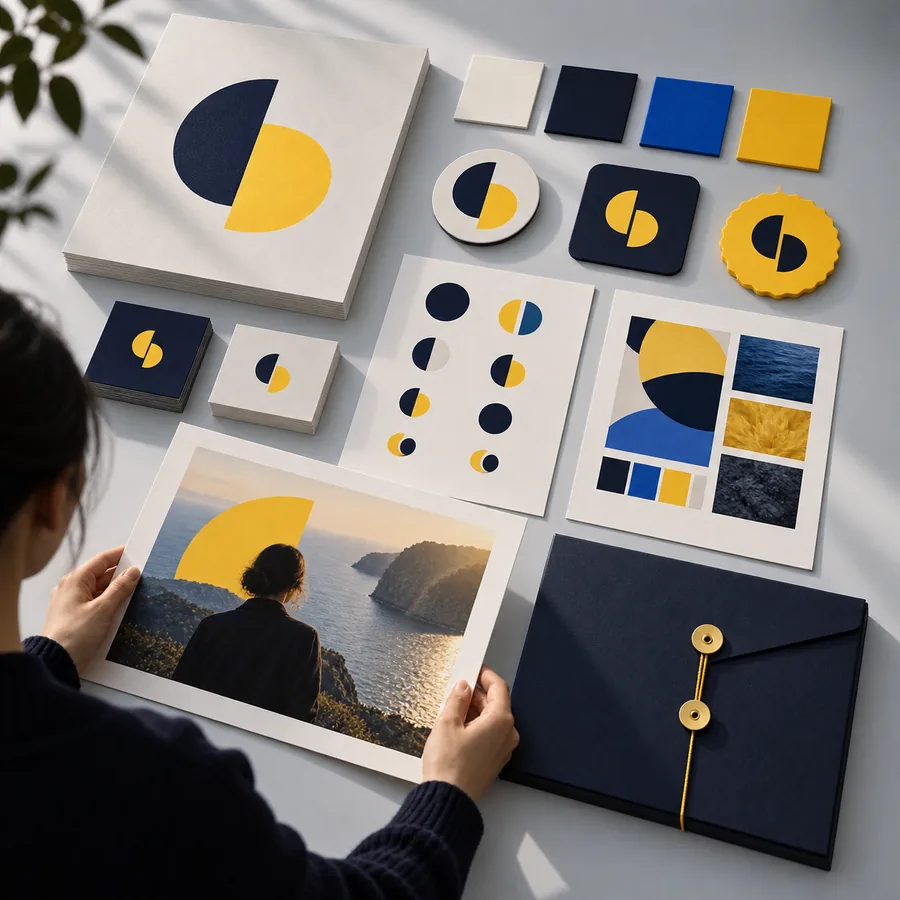
A detailed concept may look convincing at full size and collapse in a social avatar or browser tab. Review a reduced version before adding texture or fine lines. If the shape becomes muddy, simplify the brief rather than asking for more decoration.
03
Online logo AI can be useful for exploring directions, but a visually appealing draft still needs practical review. Check text accuracy, compare similar marks in your field, and confirm what rights and files the linked service actually offers before publishing anything.
Neither the word “free” nor a polished preview tells you everything you need to know about the finished mark.
A service can let you explore ideas while placing different conditions on saving or using files. Logoai does not establish the linked service’s current terms.
WorkaroundRead the access, export, and usage conditions on the linked service before committing to a design.
Similar shapes, type treatments, and familiar industry symbols can appear in other identities.
WorkaroundSearch for comparable marks and seek qualified advice if distinctiveness is important to your business.
A concept may contain misspelled names, uneven characters, or text that becomes hard to read when reduced.
WorkaroundCompare every letter with your brief and test the mark at its intended display size.
A good-looking on-screen image may not meet the requirements of a printer, sign maker, or brand system.
WorkaroundAsk for the required file specifications before deciding that an output is ready.
Bring the name, audience, style, and intended placement together before you begin. Use the linked tool to explore possibilities, then judge each result for readability, relevance, and the terms that apply to its use.
Not necessarily. Access to exploring ideas and rights to download or use an output can have different conditions. Check the linked service’s current terms before treating a concept as ready for your business.
Include the exact name, what the business does, who it serves, and two or three visual preferences. Add where the logo will appear, such as a website header or small social avatar, so you have a practical way to judge the result.
First confirm the service’s usage terms and inspect the result for text errors and similarity to existing marks. If the logo will be central to your brand, consider a professional review of distinctiveness and legal risk.
Check whether the name is accurate and legible, the design fits the intended audience, and the mark remains recognizable at small sizes. Then test it in the places you expect to use it rather than judging only a large preview.